Free first preview

See this shirt on you before you pay.

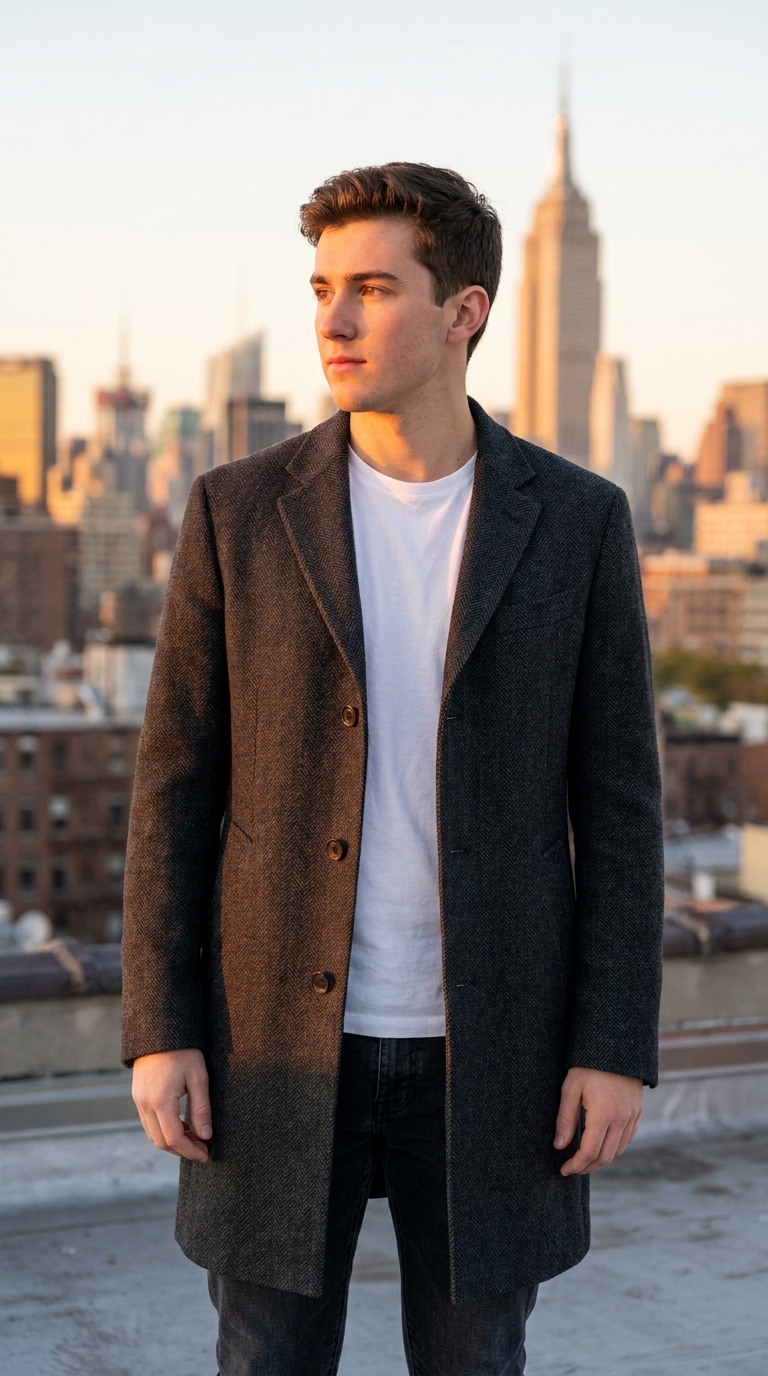
Model photos show a 6-foot frame. Your body is different. LookMate AI puts the same shirt on your photo so you can see how the shoulders, length, and color sit before checkout — no $20 return shipping for a shirt that never worked in the first place.

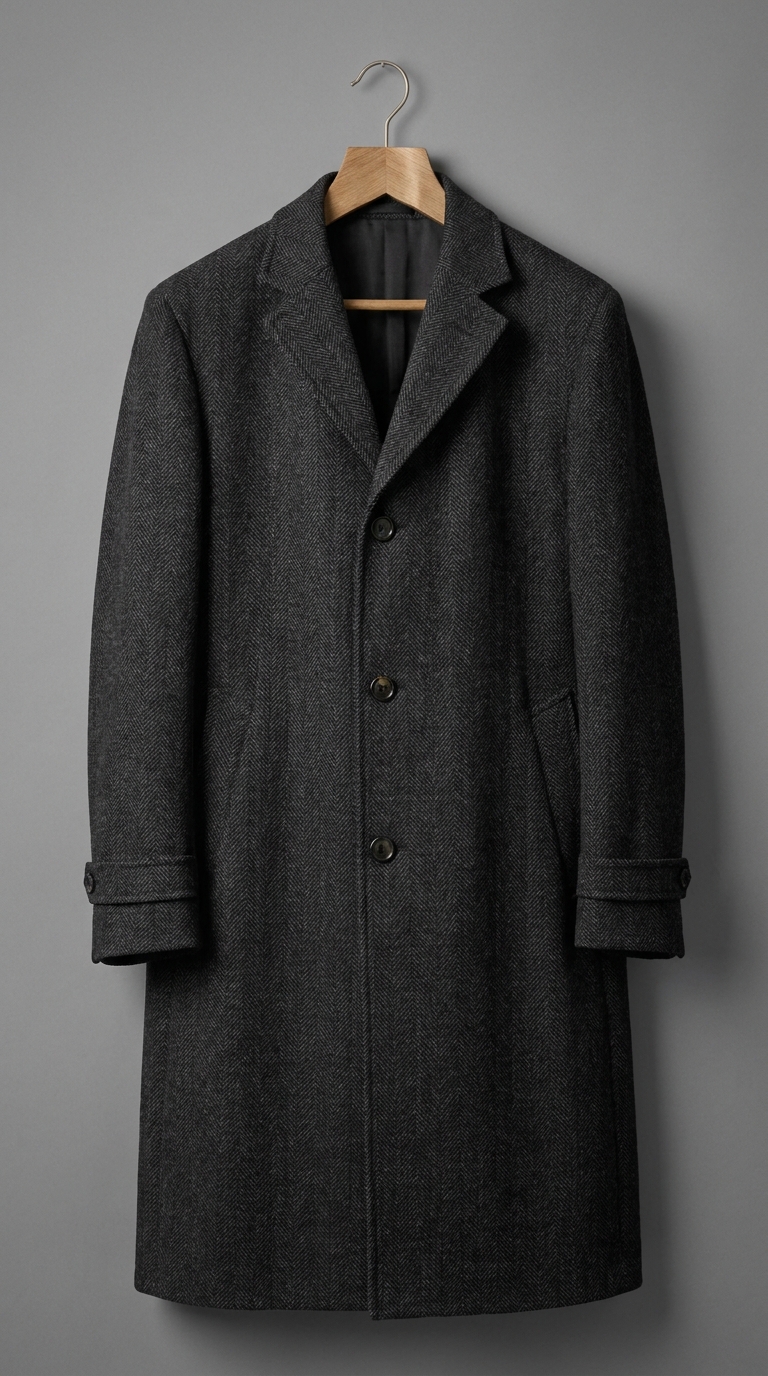
This garment

This garment

Product / closet photo

Your photo

Your photo

A clear personal shot

AI try-on preview

AI try-on previewpreview

Color, silhouette, length

Recreate a look

If not signed in, you’ll be prompted to sign up to continue.

  1. 1

    Upload your photo

    A clear face or half-body shot works best

  2. 2

    Add clothing or a screenshot

    Product photos, closet pictures, and Pinterest screenshots all work

  3. 3

    AI generates the preview

    Use one free starter credit

FAQ

Free first preview

Will it show the fit exactly?+

It shows color, silhouette, length, and overall direction. It cannot tell you fabric feel, exact fabric stretch, or physical comfort — you still need to try the real garment for those.

Do I need to pay to try it?+

No. New users get 3 free starter credits, enough for 1 standard preview. If you want a second opinion on a different piece, that costs 1 credit. No subscription needed to try.

What if my photo is not perfect?+

For best results, use a clear, front-facing, well-lit photo where shoulders and torso are visible. No need to be a professional photo — a phone selfie is fine. Avoid heavy filters or group shots where the outfit is hard to see.

How to choose

How AI virtual try-on works

Upload a clear photo of yourself plus a clothing image, get a 30-second preview. Compare candidates side by side before checkout.

Upload a clear photo

Use a front-facing, well-lit photo with minimal occlusion. The clearer the photo, the more accurate the garment placement will be on your body.

  • ·Front-facing pose
  • ·Even lighting
  • ·Visible shoulders and torso

Add one clothing image

Use the product photo, a screenshot, or a closet picture. The clearer the clothing image, the better the AI can match color, silhouette, and proportion to your body.

  • ·One garment at a time
  • ·Full garment visible
  • ·Plain background preferred

Compare before buying

Generate visual previews for two or three candidate items. Compare color, silhouette, length, and overall direction before paying for the real thing.

  • ·Two or three candidates
  • ·Color near your face
  • ·Length and volume

For first-time users

Best when you want a quick verdict on one specific piece.

  • New users trying the tool for the first time
  • One specific item you want a quick verdict on
  • Confirming color before adding to cart
  • Hesitating before paying for more credits

LookMate AI

How AI virtual try-on works

Model photos show a 6-foot frame with a different body shape. LookMate AI places the same garment on your photo so you can compare shoulder, length, and color against your real proportions before checkout. Tells you in 30 seconds whether the cut works on you, so you skip the $20 return shipping for a shirt that never fit in the first place.