Shopping try-on

Try online shopping items on your photo before checkout.

Before you buy, upload the item and preview how dresses, jackets, suits, and tops work with your body and style. Compare more pieces when you are still deciding.

Input

Shopping try-on

Intent

Product photos do not show your body or proportions

Concern

Hard to know whether the color suits your skin tone

Decision

Need a faster way to compare options

Try Clothes Online

Product photos do not show your body or proportions

Hard to know whether the color suits your skin tone

Need a faster way to compare options

Direct answer

Online shopping try-on starts from the product page or screenshot.

This page is for shoppers comparing items from online stores. Bring the product photo or cart screenshot into LookMate AI, preview it on your own photo, and compare options before checkout. It is more shopping-specific than the general fitting room and broader than one free starter try-on.

Decision guide

Turn product pages into body-specific comparisons

The page focuses on the online shopping workflow: capture, preview, compare, then buy or skip.

Capture the product context

A clean product photo is ideal, but a screenshot can preserve useful clues like styling, length, fabric, and color name. Use the clearest image from the product page when possible.

  • Main product image
  • Screenshot with color and style clues
  • Avoid cropped or blocked garments

Compare similar shopping options

Online shopping often comes down to two similar dresses, jackets, or tops. Preview both on your own photo and compare the parts product pages hide.

  • Length on your frame
  • Color against skin tone
  • Volume and styling effort

Use try-on to reduce cart noise

The goal is not to try everything online. Remove weak items from the cart, keep the strongest option, and only continue comparing when the result is close.

  • Remove obvious no items
  • Keep one strongest product
  • Compare only close finalists
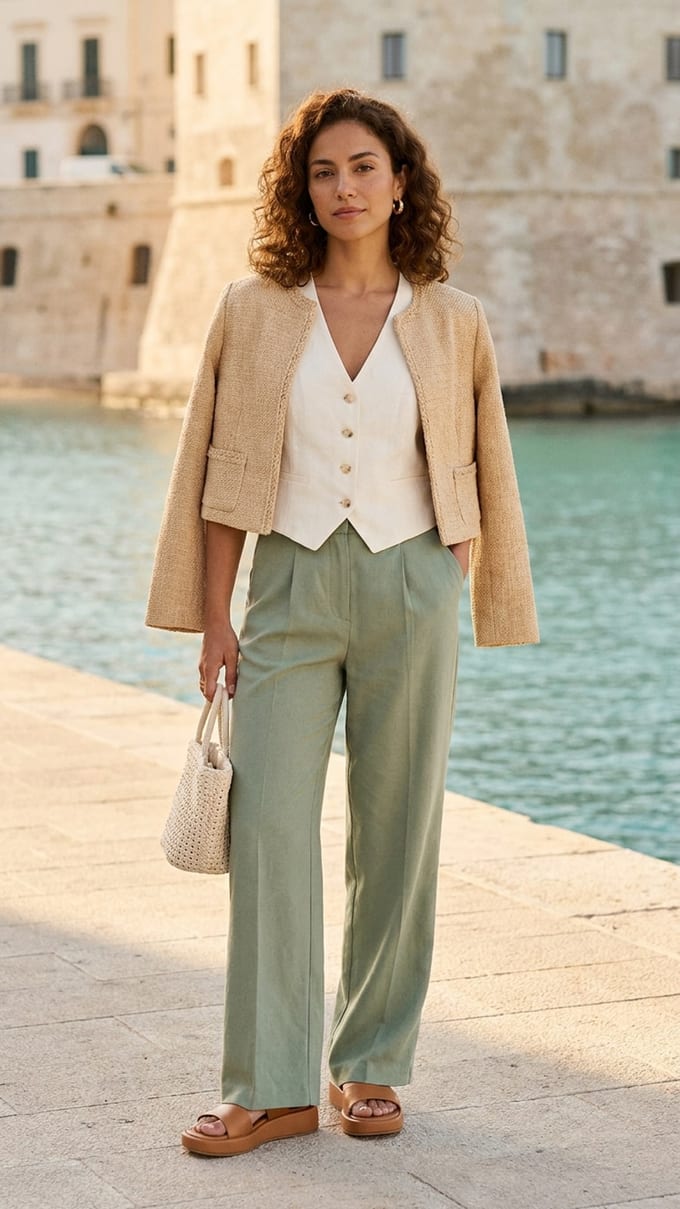
Coastal polish previewmatch93
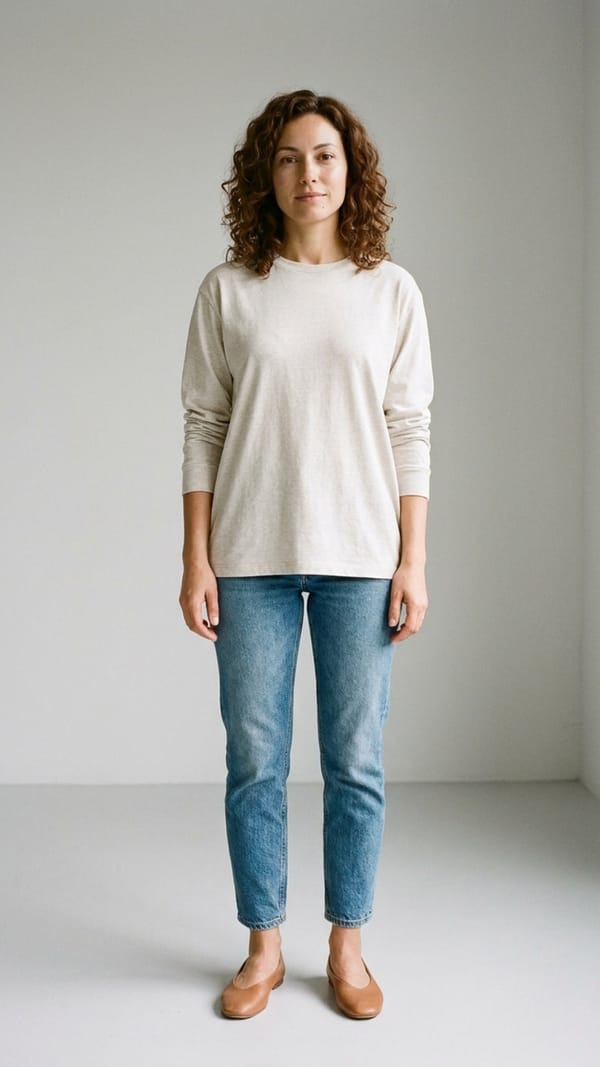
Before
Before
After
After
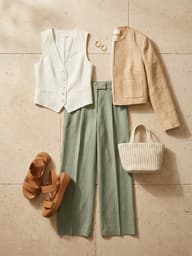
clothing input

clothing input

Product photo + styling notes

Best for online shopping

Use it when product pages are not enough to choose.

Testing product images and cart screenshots
Comparing similar dresses, jackets, suits, and tops
Reducing returns before checkout
Choosing one item from a crowded cart

FAQ

Questions for this task

What images work best for try-on?

Use a clear front-facing photo for yourself. Product photos and shopping screenshots work well when the garment is not heavily blocked.

Can I copy a whole outfit?

Yes. If you like the whole look, use Copy a Look instead of testing only one clothing item.

What is the free try-on good for?

It is good for first checks on silhouette, color, and overall direction. Upgrade when you need more comparisons or clean exports.