Name the purchase risk
Before previewing, decide what could go wrong: the color may wash you out, the hem may hit awkwardly, or the cut may add volume in the wrong place.
- Color risk
- Length risk
- Volume risk
Before buying
The Fitting Room is built for the moment between curiosity and checkout: upload, preview, compare, then decide with more confidence.
Input
Intent
Sizing, cut, and color can feel uncertain online
Concern
Need confidence before paying
Decision
Want to compare similar pieces quickly
Sizing, cut, and color can feel uncertain online
Need confidence before paying
Want to compare similar pieces quickly
Input
Intent
Sizing, cut, and color can feel uncertain online
Concern
Need confidence before paying
Decision
Want to compare similar pieces quickly
Direct answer
This page focuses on the final decision: you are close to buying, but the product photo does not answer fit, color, or proportion on your body. Use AI try-on to reduce return risk before you pay, not to browse endless outfit ideas.
Decision guide
The goal is to remove the specific doubt that could lead to a return.
Before previewing, decide what could go wrong: the color may wash you out, the hem may hit awkwardly, or the cut may add volume in the wrong place.
Product photos often promise a mood: sleek, relaxed, formal, flattering. The preview should tell you whether that promise survives on your photo.
A useful preview should lead to a concrete action: buy, skip, find a different color, search a different cut, or compare a second option.
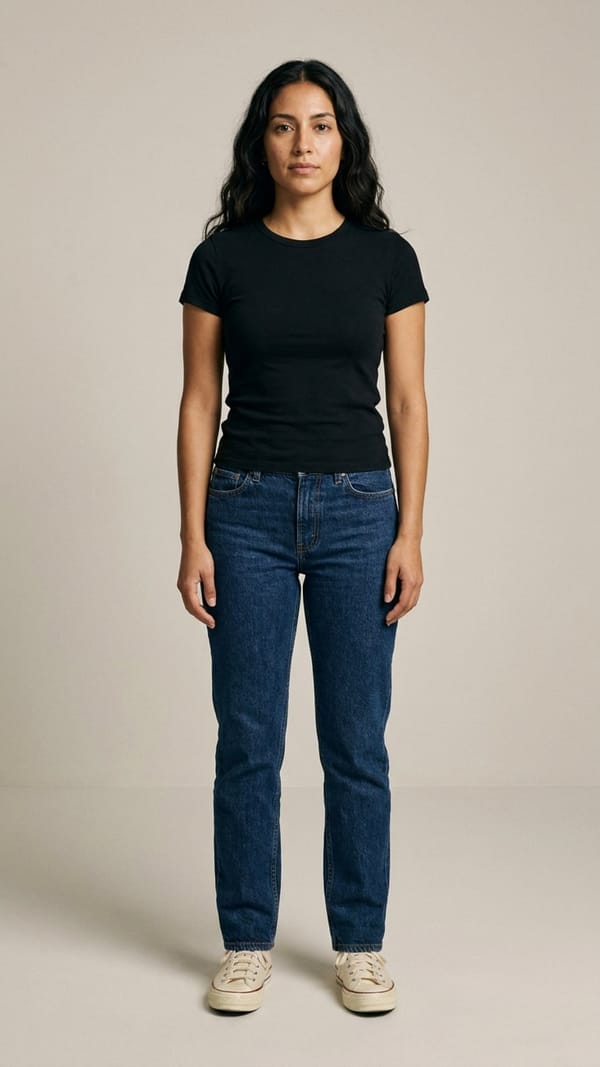
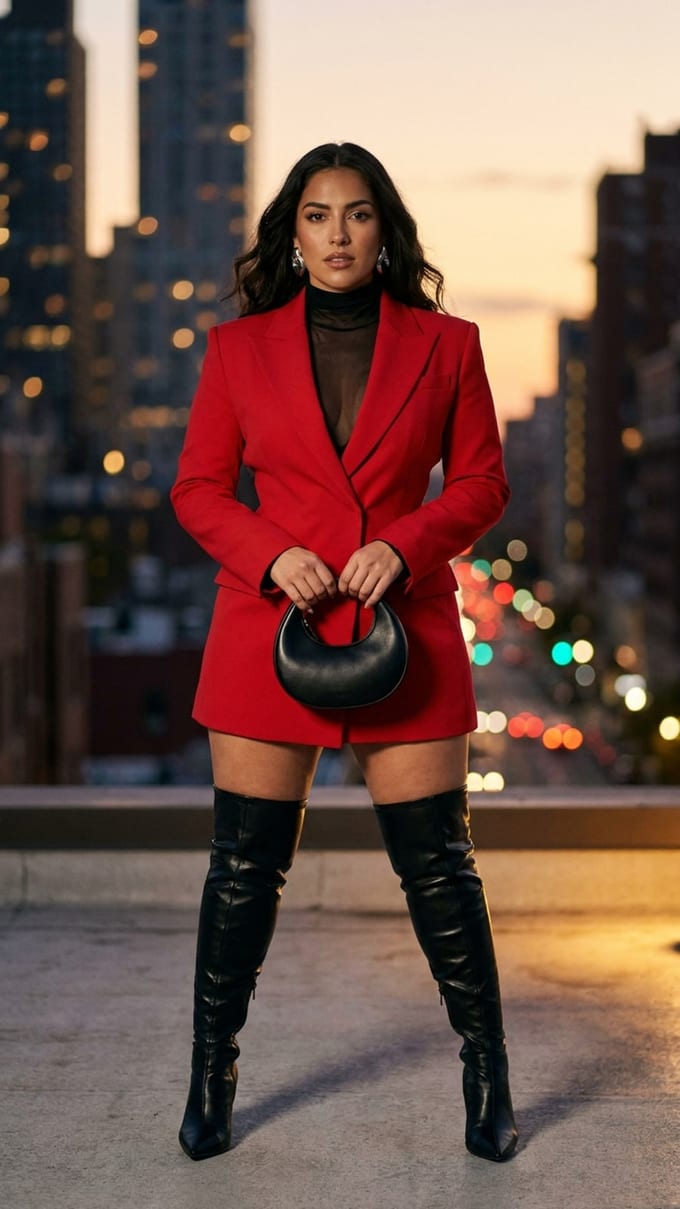
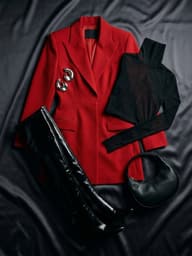
clothing input
Product photo + styling notes
Best for checkout decisions
Related tools
FAQ
Use a clear front-facing photo for yourself. Product photos and shopping screenshots work well when the garment is not heavily blocked.
Yes. If you like the whole look, use Copy a Look instead of testing only one clothing item.
It is good for first checks on silhouette, color, and overall direction. Upgrade when you need more comparisons or clean exports.